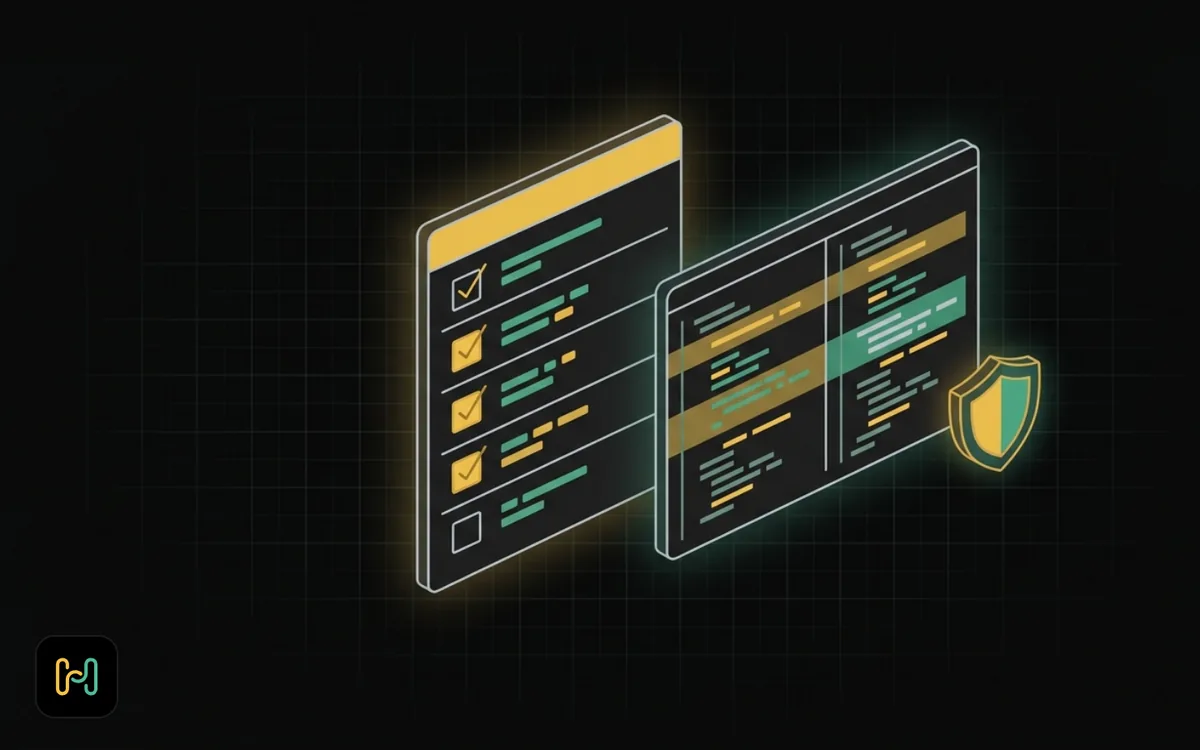
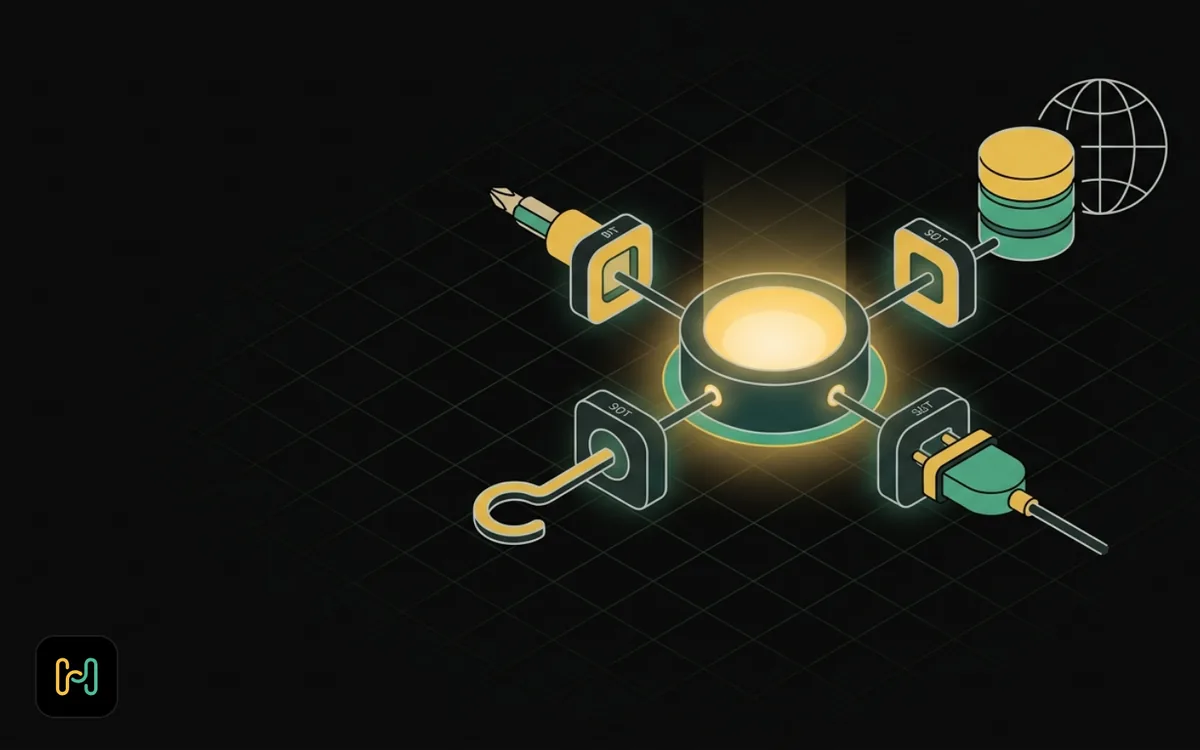
Claude Code Subagents and Agent Teams
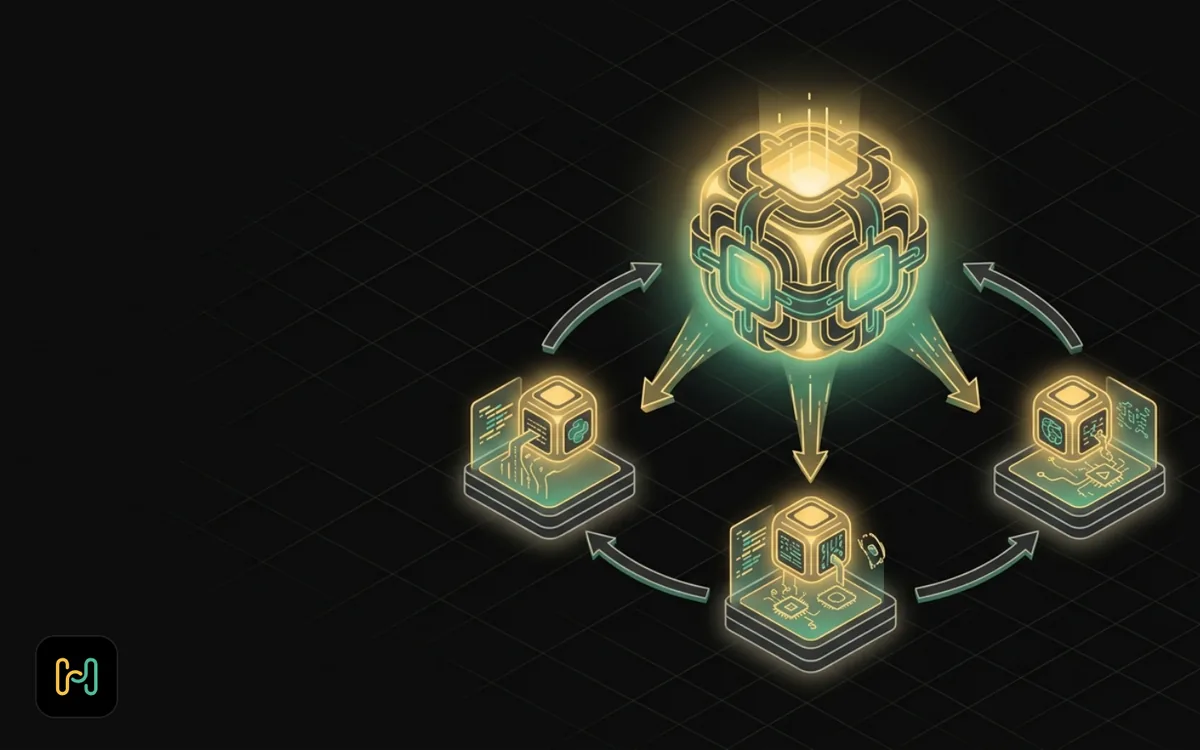
Written against Claude Code 2.1.263, verified on 6 September 2026 against the official docs at code.claude.com and by running the CLI locally. Agent teams in particular are moving quickly; check the current docs before you build anything on them.
Overview
The reason to care about subagents is not that multi-agent systems sound impressive. It is that context is finite, and the single most common way a long Claude Code session goes wrong is that it filled its window with file dumps and search results and started forgetting what you asked for.
A subagent is the fix. It is a separate context window with a narrow job, and only its answer comes back. The parent conversation gets the conclusion, not the 40,000 tokens of reading that produced it.
Everything else, parallel agents, teams, the SDK, is a variation on that one idea.
Prerequisites
- Claude Code installed, signed in, and a project you know well enough to judge whether a review is any good.
- A git repo. Subagents can write files; git is how you undo that.
- Read skills, hooks and MCP servers first if you have not, subagents can carry hooks and MCP servers of their own, and the frontmatter assumes you know what those are.
1. What a Subagent Actually Is
When Claude delegates to a subagent, Claude Code spawns a new agent loop with:
- Its own context window, sized by its own model, not the parent's. Delegate to a smaller model and you get that model's smaller window.
- Its own system prompt, the body of the subagent file. It does not get the full Claude Code system prompt, just that plus basic environment details like the working directory.
- A tool set you control.
- A single job, and a report that returns to the parent.
That last point is the one people underrate. The parent conversation never sees the subagent's intermediate reading. If a subagent greps 200 files and reads 30 of them to answer "where is retry logic implemented", the parent gets three sentences.
How it differs from a fresh session
A fresh claude session in another terminal is fully independent: you drive it, you read its output, nothing comes back automatically. A subagent is spawned by the conversation you are already in, works toward a goal that conversation set, and returns a result the parent can act on.
Use a subagent when you want an answer without the mess. Use a second session when the work is genuinely separate and you want to steer it yourself.
There is a middle option worth knowing about: Claude Code has cross-session messaging, so findings can be passed between sessions you are running yourself, without setting up a team.
2. Defining One
A subagent is a markdown file with YAML frontmatter. Two locations:
.claude/agents/, project scope, committed with the repo.~/.claude/agents/, personal scope, available in all your projects.
Plugins and managed settings add two more scopes; managed definitions take precedence over project and user ones with the same name.
Claude Code watches both directories and picks up added or edited files within a few seconds, no restart. Three exceptions still need one: creating the very first agent file in a directory that did not exist at session start, editing agents inside a directory added with --add-dir, and sessions started with --disable-slash-commands.
One change to note if you are following an older tutorial: as of v2.1.198, /agents no longer opens an interactive creation wizard. It prints a reminder to ask Claude or edit .claude/agents/ directly. The file format and locations are unchanged; only the wizard is gone.
The minimal file
This is the shape, straight from the docs:
---
name: code-reviewer
description: Reviews code for quality and best practices
tools: Read, Glob, Grep
model: sonnet
---

You are a code reviewer. When invoked, analyze the code and provide
specific, actionable feedback on quality, security, and best practices.
Only name and description are required. name must be lowercase letters and hyphens and cannot contain a colon, which is reserved for plugin-scoped identifiers.
description is not documentation. It is what Claude reads to decide whether to delegate to this subagent at all. Write it as "when to use this", not "what this is".
The fields that matter
The full frontmatter set as of 2.1.263 is: name, description, tools, disallowedTools, model, permissionMode, maxTurns, skills, mcpServers, hooks, memory, background, effort, isolation, color, initialPrompt, experimental. The ones I reach for:
tools, the tools the subagent can use. Omit it and it inherits everything available to subagents. A read-only reviewer should list Read, Glob, Grep and nothing else. Note that if none of the entries you list resolves to a real tool, the subagent usually fails to launch with an error naming them.
model, sonnet, opus, haiku, fable, a full model ID, or inherit. This is your main cost lever. A subagent whose job is "find every file that mentions the webhook secret" does not need your most capable model.
disallowedTools, removed from whatever the subagent would otherwise have. Useful when you want inheritance plus one specific hole plugged.
maxTurns, a hard stop on agentic turns. When a subagent hits it, Claude Code returns the output marked as partial. This is the cheapest insurance against an agent that decides to read the whole repo.
skills, skills preloaded into the subagent's context at startup. The full skill content is injected, not just the description, so this costs tokens; use it when the subagent must follow a procedure exactly.
mcpServers, either a name referencing an already-configured server, or an inline definition. This is how you give one subagent database access without giving it to everything.
isolation: worktree, runs the subagent in a temporary git worktree, an isolated copy of the repo branched from your default branch. This is what makes "let three agents each build a piece" safe rather than a merge disaster.
permissionMode, hooks, memory and effort round it out. Note that agents loaded from a plugin ignore hooks, mcpServers and permissionMode for security reasons, copy the file into .claude/agents/ if you need them. And a subagent starts in the main conversation's working directory: cd inside it does not persist between Bash calls and does not affect the parent.
3. When Parallel Helps, and When It Wastes Money
Every subagent is a separate set of API calls with its own prompt and its own reading. Running four of them costs roughly four times as much as running one, and the wall-clock saving only materialises if they genuinely do not need each other.
Parallel pays off when the work is independent and read-heavy. Reviewing four services in a monorepo. Checking one compose stack against four different criteria. Investigating three competing hypotheses for a bug. Each agent reads its own slice; nothing overlaps; the parent synthesises four short reports.
Parallel wastes tokens when the pieces are coupled. If agent B needs what agent A concluded, running them at once means B either works with worse information or re-derives A's work from scratch. You paid twice for one answer, and the second one is less reliable.
The test I use: can I write each subagent's brief without referring to the others' output? If yes, parallelise. If I find myself writing "assuming the schema agent found X", they are sequential, and pretending otherwise is a way to spend money on confusion.
A second, quieter cost: fan-out multiplies the parent's synthesis burden. Four reports arriving at once is still far cheaper than the raw reading, but it is not free, and eight agents is usually worse than four.
4. A Worked Example: Reviewing an Automation Stack
Here is a real use. I have a self-hosted automation project, a Compose stack, some workflow JSON exports, a few helper scripts, a Caddy config, and I want it reviewed before it goes on a VPS. Four independent questions, four read-only subagents.
.claude/agents/compose-auditor.md:
---
name: compose-auditor
description: Audits Docker Compose files for unpinned images, missing restart policies, exposed ports and volume mistakes. Use before any deployment review.
tools: Read, Glob, Grep
model: sonnet
maxTurns: 15
---

Review every Compose file in this repository.

Report only findings, as a list. For each: the file, the line, what is wrong,
and the one-line fix. Check:

- Images tagged `latest` or with no tag at all.
- Services with no `restart:` policy.
- Ports published to 0.0.0.0 that should be bound to 127.0.0.1 behind a proxy.
- Named volumes mounted at a path the image does not expect.
- `depends_on` without a healthcheck on the dependency.

If a file is clean, say so in one line. Do not suggest refactors nobody asked for.
Three more files take the same shape with different briefs. secret-scanner.md looks for credentials committed to the repo, env files missing from .gitignore, and secrets written into compose files as literals. workflow-reviewer.md reads the exported workflow JSON and reports nodes with no error handling, hardcoded URLs, and credentials referenced by name that do not exist in the stack. docs-checker.md compares the README against what the compose file actually does and lists every instruction that would fail if followed literally.
Then, in the parent session:
Run compose-auditor, secret-scanner, workflow-reviewer and docs-checker
against this repo in parallel. When all four report, give me a single
prioritised list: anything that leaks a credential first, then anything
that loses data, then everything else. Do not fix anything yet.
Four independent briefs, four read-only tool sets, four separate context windows, one synthesis. My main conversation never sees the raw file contents, it sees four short reports and produces one list. It is the same discipline as tuning n8n for production: decide what each piece is allowed to touch before you let it run.
The tools: Read, Glob, Grep line is doing real work here. None of these agents can write, run commands, or reach the network. I can run them without reading every step.
When one of them finds something worth fixing, that is a separate, deliberate turn, with the production-file hook from the previous post still in force, because subagents are subject to the same permission system.
Resuming a subagent
Each invocation creates a new instance rather than continuing an earlier one. If you want a subagent to carry on rather than start over, ask Claude to resume it, Claude uses the SendMessage tool with the agent's ID or name, and the resumed agent keeps its full history, including previous tool calls and reasoning.
Two caveats. The built-in Explore and Plan agents are one-shot and return no agent ID, so they cannot be resumed; use general-purpose or a custom subagent when you expect to continue. And when a subagent stops at its maxTurns limit, the output is marked partial and Claude can be told to pick it up from there.
5. Agent Teams, Honestly
Agent teams take the idea further: several Claude Code instances working together, one acting as lead, teammates working independently in their own context windows and messaging each other directly.
Two things to know before you invest in this.
They are experimental and off by default. You enable them with CLAUDE_CODE_EXPERIMENTAL_AGENT_TEAMS=1 in settings.json or the environment. Without it, no team is set up, no team directories are written, and Claude will not spawn teammates.
The documented limitations are real. /resume and /rewind do not restore in-process teammates, so a resumed session's lead may try to message teammates that no longer exist. Teammates sometimes fail to mark tasks complete, which blocks dependent tasks. Shutdown can be slow because teammates finish their current tool call first. A session has exactly one team; there are no nested teams; teammates cannot spawn their own teammates.
The docs themselves recommend checking whether a lighter option does the job first, and for almost everything I do, it does. Subagents inside one session handle the review-in-parallel case cleanly. Two terminals with cross-session messaging handle the "build while I review" case. Teams earn their complexity on genuinely long parallel builds where teammates need to talk to each other, and that is a smaller set of tasks than the feature makes it sound.
Try them on something you would be happy to throw away. Do not put them on the critical path yet.
6. The Claude Agent SDK, Briefly
Everything above happens inside Claude Code. The Claude Agent SDK is the same agent loop, tools and context management as a library you run in your own process.
It ships for Python and TypeScript only:
# TypeScript
npm install @anthropic-ai/claude-agent-sdk

# Python
pip install claude-agent-sdk
Node 18+ or Python 3.10+, and an Anthropic account. To drive the same loop from another language, the documented route is running the CLI as a subprocess in headless mode with -p and --output-format json.
Anthropic's own comparison is the clearest way to decide:
- Building an agent without implementing the tool loop yourself → Agent SDK.
- Interactive development or one-off tasks from a terminal → Claude Code CLI.
- Calling the API directly and writing the tool loop yourself → Client SDK.
- Long-running agents without managing your own sandbox → Managed Agents, a separate hosted product.
For most people reading this, the answer is the CLI. The SDK becomes right the moment you want the agent to run without you in the room, triggered by a webhook, a queue, a cron. That is the same line where an n8n workflow stops being a demo, and the same operational questions apply: what happens on failure, who gets told, what is the blast radius. If you have not thought those through before, building AI agents with n8n is a cheaper place to learn them. Start with the official Agent SDK docs rather than a blog post, mine included, because the surface changes.
7. Cost and Context: The Short Version
- A subagent's context window is sized by its model, not yours. A haiku-class subagent has a smaller window; a long brief may not fit.
- Delegation saves parent context and spends total tokens. That trade is worth it when the reading is large relative to the answer, and not worth it when it is not.
modelandmaxTurnsare your two cheapest levers. Set both on every custom subagent.CLAUDE_CODE_SUBAGENT_MODELsets a default model for subagents that are not assigned one another way, which is a one-line way to stop a fleet of helpers running on your most expensive model.- Preloaded
skillsare injected in full. Convenient, not free. - I am deliberately not quoting per-token prices here; they change. Check Anthropic's current pricing page before you build a cost model on any of this.
The habit that has saved me the most: before delegating, write the subagent's brief as if you were handing it to a contractor with no access to your conversation. If you cannot make the brief self-contained, the task is not ready to delegate, to an agent or to a person.
More on where I run all this and why is on the about page, and the local-model question, can any of this work against a model on your own machine, is covered honestly in Claude Code with Ollama and local models.
The free Claude Code for Builders course in the House of Loops classroom walks through the subagent files above on a real stack, including the ones that turned out not to be worth it.
Shannon Atkinson
House of Loops is a free community for people who would rather own their automation stack than rent it: n8n, Claude Code, AI agents, local models and the self-hosting underneath them, across 44 courses in the classroom.
Join Our Community